
Email Notifications
With email notifications, form submissions will be delivered to your chosen email addresses. This is our most popular delivery feature and is also enabled by default for new form connections.
Settings
The email notification settings can be adjusted in the Delivery Settings of the form connection.
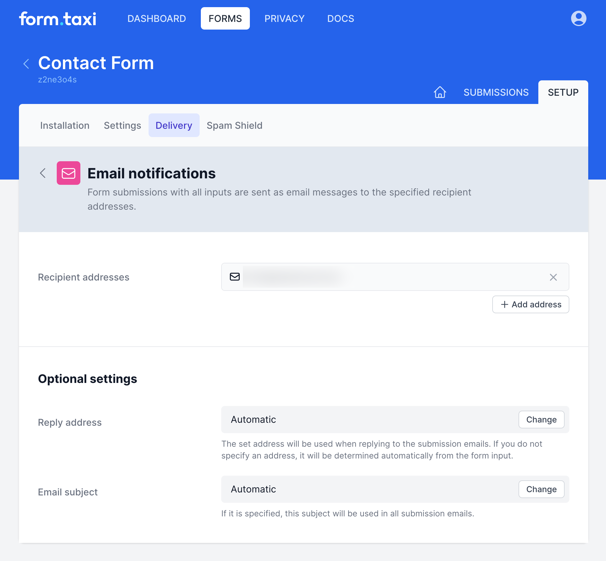
Recipient addresses
Submitted forms will be sent to the email addresses listed here.
Newly added email addresses require one-time activation per account. An activation link will be sent to this address. This activation is not required for the email address associated with your account.
Reply address
The email address entered here will be used when replying to notification emails. Normally, no entry is required here. Form.taxi automatically attempts to extract a reply-to address from the sent data. Only if this is not possible will the default address noreply@form.taxi be used.
Subject
The subject line you enter will be used in the notification emails.
Alternatively, you can also specify these settings dynamically using function fields directly in the form: Functional fields