
Form settings
You can adjust the basic configuration of your form connection at any time in the management panel under Setup > Settings within your form page.

Form name
The form name is used as the label for your form connection. Choose a clear and descriptive name so you can easily identify it in your overview. Common names: Contact Form, Order Form, Inquiry, etc.
Website address
Enter the web address (URL) of the website where the form is used. This information mainly helps you keep an overview in the form list. You can provide the full URL including the path, or simply the main website address.
Success page
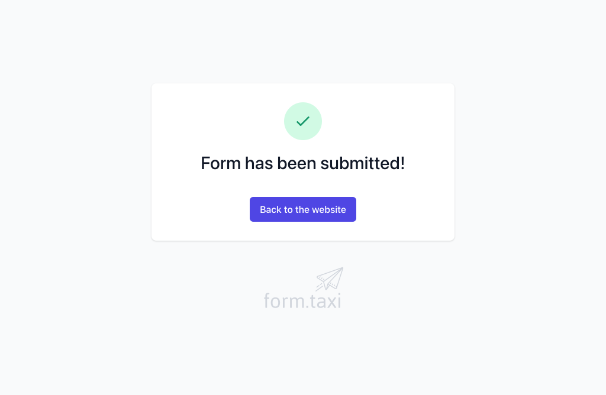
After a successful form submission, users are redirected to the success page. You can create your own page with any content and enter its URL here. If no custom page is specified, our default success page will be displayed:
Language
This setting determines the language used for messages and texts displayed during form submission. Ideally, it should match the language of your website.
The following languages are currently available: German, English, Portuguese, French, Spanish, Italian, Russian, Dutch.
Delete form
If your form is no longer in use or you no longer wish to process submissions through Form.taxi, you can delete the form connection here. This permanently removes all information stored for this form, including submission data and uploaded files. Please note that deleted data cannot be restored!